HD Black Launcher for android from 2021 Themes Keyboards
How to use HD Black Launcher theme?
To begin with, you will need to download and install the application for your Android device. It is a small and very easy-to-use application. It is compatible with all devices, and the installation process is very easy.
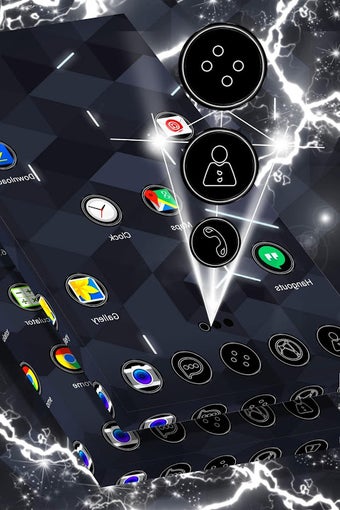
After the installation, you will need to open the application and follow the instructions to begin with the activation of the HD Black Launcher theme. It is very easy to do, and it only takes a few minutes. If you want to personalize your Android phone or tablet, then you will need to install the HD Black Launcher theme. You will not be able to use the application without the activation of the HD Black Launcher theme.
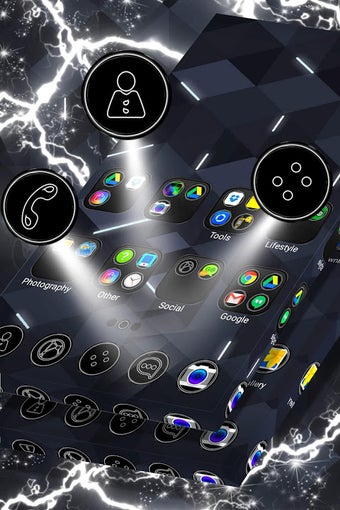
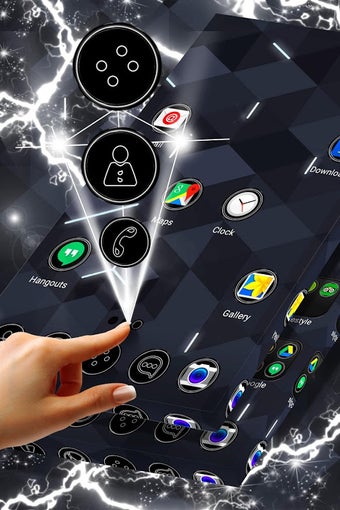
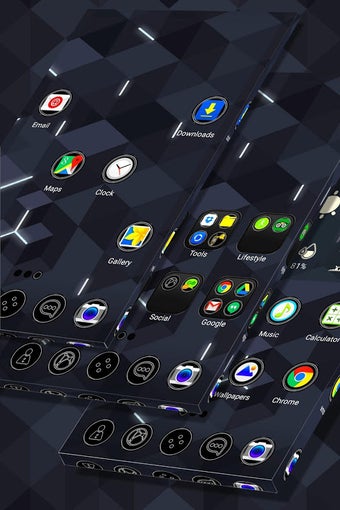
When you activate the HD Black Launcher theme, you will be able to customize your Android phone or tablet in a new way.










.webp)